When people search for a JDownloader YouTube problem on Mac, they are usually dealing with one of a few recurring issues: link grabber failures, repeated CAPTCHA prompts, broken audio merges, stale plugins, or a workflow that feels too heavy for the one task they actually want to do. Some problems are fixable. Some are a sign that the tool is simply a poor fit for a Mac-first video workflow.
Quick fixes to try first
Update JDownloader fully
If the YouTube plugin is out of date, the app can fall behind YouTube changes. Let all updates finish before retesting the same URL.
Test the raw video URL again
Sometimes copied playlist or share links add extra parameters that confuse link handling. Retest with the clean video URL from the browser address bar.
Watch for CAPTCHA and Java friction
If the problem is frequent CAPTCHA interruptions or the app feels unstable on macOS, the issue may be more about the workflow than one broken link.
Why this keeps happening
- YouTube changes often, so plugin-based tools can break in waves.
- JDownloader is a general download manager, not a focused native Mac video app.
- Java overhead and link-management complexity can make simple tasks feel heavier than they need to be.
Reality check: If your goal is just "paste URL, choose quality, download video," a simpler native Mac tool will usually save more time than another round of JDownloader troubleshooting.
When to switch instead of debug
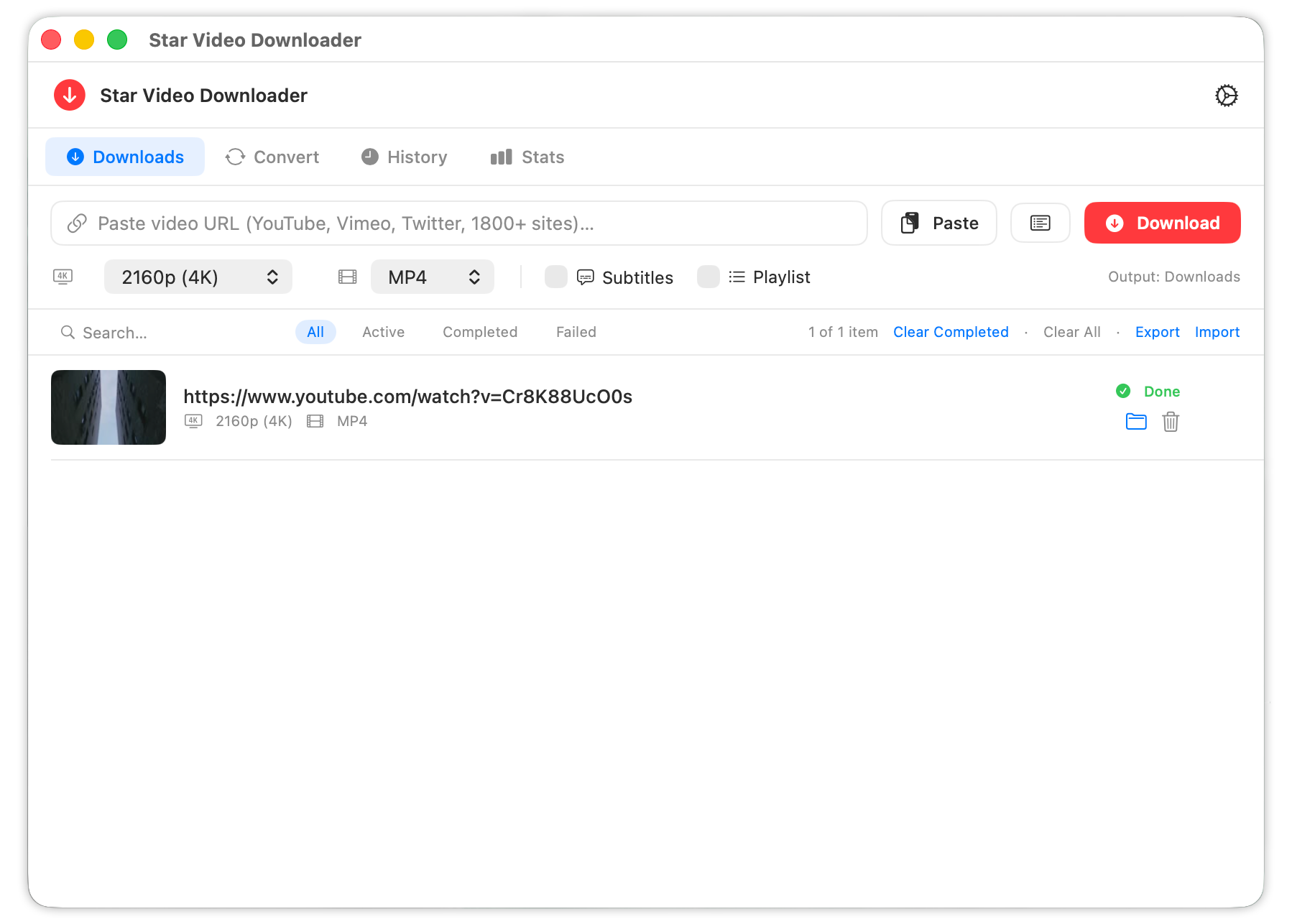
If you mainly download videos from YouTube, Reddit, Facebook, Vimeo, TikTok, or similar sites, Star Video Downloader gives you the cleaner Mac path: visible quality selection, playlist preflight, conversion, repair, support export, and a one-time $5 Pro upgrade instead of endless plugin guesswork.
If you still want the broad head-to-head view, start with Star Video Downloader vs JDownloader. If you already know JDownloader is the pain point, this page is the faster route.
Frequently asked questions
Why does JDownloader break with YouTube so often?
YouTube changes quickly, and plugin-based workflows can lag behind. On Mac, that often combines with Java friction and repeated CAPTCHA prompts.
Can JDownloader still work with YouTube on Mac?
Sometimes, yes. But reliability varies, which is why many users search for fixes or alternatives after repeated failures.
What is the easier alternative on Mac?
A native app like Star Video Downloader is simpler for video workflows because it focuses on video downloading, conversion, and playback-friendly outputs instead of general link management.
Skip the Plugin Roulette
Try the Mac-native workflow first if your real goal is downloading videos, not managing a general-purpose download manager.