MOV works great inside Apple's world, but MP4 is usually the safer default once a file needs to move across browsers, messaging apps, social uploads, Windows PCs, TVs, or Android devices. If you convert locally, you avoid upload limits and keep full control over quality.
Why people switch MOV to MP4
- MP4 is friendlier with web uploaders, chat apps, and non-Apple playback.
- Many teams ask for MP4 by default because it is easier to preview anywhere.
- Some MOV files are larger than needed for simple delivery and review workflows.
How to convert MOV to MP4
Open the Convert tab
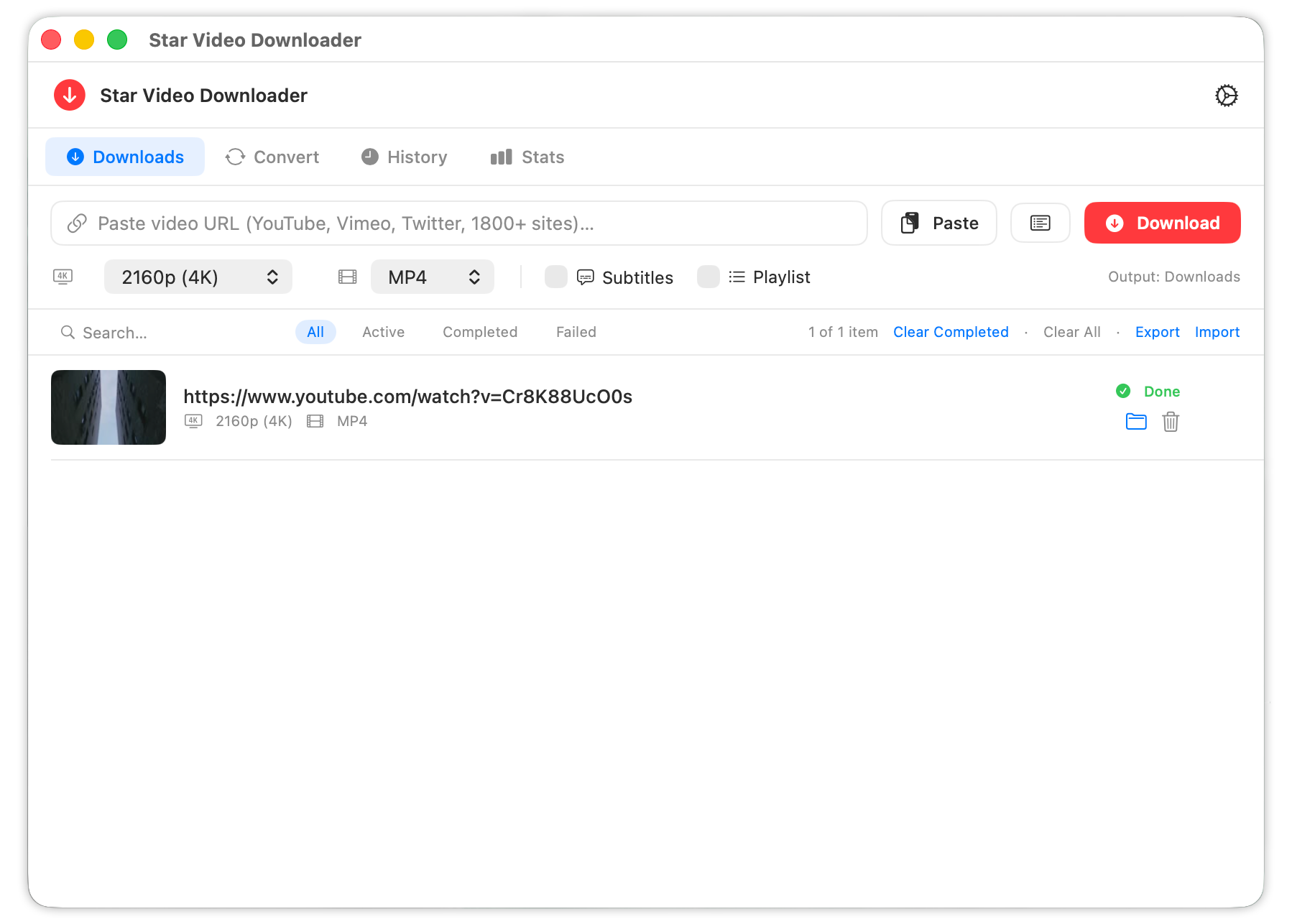
Launch Star Video Downloader, switch to Convert, and add the MOV file you want to change.
Select MP4 as the target
Choose MP4 from the output menu. If the underlying video codec is already compatible, the conversion can stay fast and low-risk.
Convert and check the output
Run the job, then open the resulting MP4 in QuickTime, Finder preview, or your upload destination to confirm playback and file size.
Remux first, re-encode only when needed
A good Mac converter does not always need to recompress the whole video. Sometimes it can simply place the existing streams into an MP4 container. That keeps quality the same and finishes much faster. If the source codec is incompatible, re-encoding is still possible, but then quality and speed depend on the settings you choose.
Good default: For broad compatibility, MP4 with H.264 video and AAC audio is still the safest delivery format for most Mac users.
When not to convert
If the MOV file is staying inside Final Cut, QuickTime, or an Apple-only review loop, you may not gain much by converting. MP4 matters most when the file needs to leave that environment.
Frequently asked questions
How do I convert MOV to MP4 on Mac?
Add the MOV file to the Convert tab, choose MP4, and run the conversion locally on your Mac.
Will converting MOV to MP4 lower the quality?
Not always. If the source can be remuxed into MP4, quality stays the same. Re-encoding is only needed when the streams are incompatible.
Why is MP4 easier to share?
MP4 has stronger support across browsers, devices, uploaders, and chat apps, so recipients are less likely to hit playback problems.
Convert MOV Files Without Leaving Your Mac
Keep the workflow private, fast, and easy to verify before you upload or send the file anywhere else.